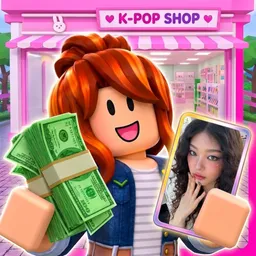
My KPOP Shop codes
Checked Nov 24, 2026 (5 days ago) · 2 working · 1 may have expired · 0 expired
We re-check codes every day. Bookmark this page to come back.

Watch a real run first: “3 NEW CODES & HOW TO PLAY My KPOP Shop! ROBLOX | NOVEMBER 23, 2026” by Berlian kecil on YouTube (11:35).
My KPOP Shop gameplay screenshots
Frames from real player videos, cropped and labeled by us. Tap one to enlarge. Each caption says which video and minute it comes from.
My KPOP Shop: full overview
What My KPOP Shop is
My KPOP Shop is a Roblox shop simulator published by the Chuuves group. Roblox says it was created on October 22, 2026, and lists it under Simulation and Tycoon. The game's own description boils the pitch down to one line: run your own K-pop shop and open photocard packs. When we checked the public games API on November 24, 2026, it reported about 7,358 players in game, 1,435,862 visits and 17,511 favourites; the live Roblox page refreshed to 7,362 players moments later. Public servers hold six people.
What the player actually does is closer to a small retail job than a clicker. Merch arrives in boxes, you place it on shelves, fans come in and browse, and you work the register to take their money. Alongside that loop you catch shoplifters, hire staff, open photocard packs for a binder, decorate around a favourite group and expand the store. The developer promises daily rewards, offline earnings and a sales ranking board, so the game is built around repeat visits rather than a single run.
The first minute: register, crates and deliveries
A beginner video uploaded by Berlian kecil on November 23, 2026 walks through the opening minute. The creator's description says the run starts in front of the first shop, follows the tutorial, orders card packs on the in-game PC, opens delivery boxes on the pavement, fills the photocard shelves and then opens the doors to the first customers. A frame at 1:00 shows the tutorial's seventh of nine steps: when a customer reaches the register, press E at the register, click each item and take payment with E.
The checkout itself is a black register with a green TOTAL readout. Before anything is scanned the total sits at $0; the bottom-left prompts offer Take payment and Leave register. Another frame, at 6:40, shows a morning line of fans and the warning that the store has stopped helping you, with a prompt about the item in hand. The point is that serving is an active job — you stand behind the counter and work through each fan rather than collecting money automatically.
Keeping shelves full, and the thief problem
Restocking is the other half of the job. At 4:20 the beginner video displays a tip telling players to click the shelf level 2 product crates to refill shelves with items. A later frame at 6:40 is blunter: 'Oops! All shelves empty', followed by an instruction to add a product crate to the selling shelf. A Restocking timer sits above the door while stock is on its way. The Three-minute clips from Shimoe open a restock panel whose product rows cover optics, keychains, photocards, acrylic stands and lightsticks, so there are several distinct bays to keep an eye on.
Thieves are part of the same loop. The Roblox description says you catch thieves and serve super fans with special requests, and the Missions tab in the footage includes a 'Catch a thief' goal with a 0/3 counter alongside Sell 50 items, Buy 10 photocard packs and Earn 10000 from sales. An unguarded, empty shop loses twice: nothing is on the shelves, and what is there can walk out. A hired guard is the longer-term answer, but the early game expects you to watch the aisles yourself.
Photocard packs, binders and group themes
Photocards are the collector hook. The game description says you open packs and complete a binder, and the frames show why the two sides of that economy matter: packs sit on pink PHOTOCARDS shelves for fans to buy, and the same packs can be opened for your own collection. One frame from Shimoe's update clip shows a single idol card lifted out of a pack in a pink frame, with a row of other cards beneath it. Another shows a MyBinder panel with a grid of empty slots waiting to be filled.
Decoration is the other long-term goal. The Furniture and Deco menu in the update clip offers group-themed pieces — a BTS Army poster, a BTS lightstick and a BTS Army Member Poster among them — with level requirements on each item. The Roblox description says you can expand, decorate and theme the store after your favourite group, and that levelling up unlocks new products and furniture. A Level 3 pop-up in the beginner video lists Album Packs, Photo Cards and lightsticks as unlocks, which is a useful reminder that the shop grows in stages.
Staff, upgrades and playing with friends
Once sales are steady, the game lets you step away from the counter. The staff hiring panel shows an applications list, candidate cards with skill ratings and a Set skills button; the Roblox description names three roles you can hire — a restocker, a cashier and a guard. A separate store-upgrades panel lists Advertising, Social media, Fun stuff and VIP reservations with levels and costs, and the shop itself displays a level on its storefront sign (Lv.30 in one clip).
Co-op is built in rather than bolted on. The description says you can invite a friend to work in your shop and that each friend on your server adds ten percent to earnings; with six players per server, a full shop of friends is a meaningful bonus. One of the events advertised on the Roblox page in late November was a Rebirth and Co-op event, with a new group and lightstick winter event flagged for December 1. We are reporting the dates the page showed, not promising what the events contain.
Codes, badges, passes and where the numbers come from
Two codes appear on both of the text guides we read on November 24, 2026: 250LIKES and MONEYPLEASE, each for 30 minutes of double money. The game's own Roblox description also prints KPOPSHOP for $150 and says the next code arrives at 2,500 likes and 5,000 favourites. Because only one source confirms KPOPSHOP, the codes page lists it as unconfirmed. A frame of the Settings panel shows where codes go: a Codes row with a text field and a green Redeem button. We did not redeem anything ourselves.
Roblox's badge and game-pass lists are both populated, so this site generates an all-badges page and a game-passes page from the APIs rather than writing them by hand. Among the passes for sale are a Starter Pack, Fast Open, 2x Cash, 2x Luck, VIP and Instant Delivery; several limited storefront variants are not for sale and are left without a price. The facts in this overview come from the Roblox page and public APIs, the two text guides, four player videos whose descriptions or frames we could match to this exact place, and a brand-new unofficial fan wiki used only to cross-check menu words — its player and visit numbers do not match Roblox, so none of them appear here.
Live stats
7,502
Playing now
Playing now
- What
- People in the game right now
- Example
- 7,502 = about 7.5K players
- Read it
- Bigger = more popular. Refreshes every 5 minutes.
1.44M
Visits
Visits
- What
- Times the game has been opened since launch
- Example
- 1.44M visits
- Read it
- Shows how big the game is.
17.6K
Favorites
Favorites
- What
- Players who favorited the game on Roblox
- Example
- 17,569 players
- Read it
- More = people want to come back.
94.5%
Liked
Liked
- What
- Likes ÷ (likes + dislikes)
- Example
- 2,202 likes, 128 dislikes → 94.5%
- Read it
- Above 80% means players like it.
Numbers from Roblox, refreshed every 5 minutes.
My KPOP Shop Player Count & Live Stats
48 hoursMy KPOP Shop currently has 7.5K players and is the #136 most played of the 266 games we track, as of our last update.
Just started tracking this game. We record the player count every hour; the chart appears after the next reading.
Peak
—
Lowest
—
Change
—
From Roblox's public data, recorded by us every hour. Full My KPOP Shop stats →
Guides
Screenshots
My KPOP Shop FAQ
What is My KPOP Shop?
My KPOP Shop is a Roblox shop simulator from the Chuuves group, created October 22, 2026. You run a K-pop merch store: open photocard packs, stock shelves with albums and lightsticks, ring fans up at the register, catch thieves, hire a restocker, cashier and guard, decorate around your favourite group, and invite a friend for co-op.
Who made My KPOP Shop?
My KPOP Shop is made by Chuuves and was released on Roblox on Oct 22, 2026.
How many people play My KPOP Shop?
7,502 players were in My KPOP Shop when we last pulled Roblox's numbers (Nov 25, 2026). It has 1.44M visits in total and 94.5% of votes are likes.
Are there codes for My KPOP Shop?
Yes. 2 codes work right now: 250LIKES and MONEYPLEASE (checked Nov 24, 2026). The Codes page has the reward for each and how to redeem.
More gameplay videos
Other players' My KPOP Shop videos on YouTube. Tap one to watch here.


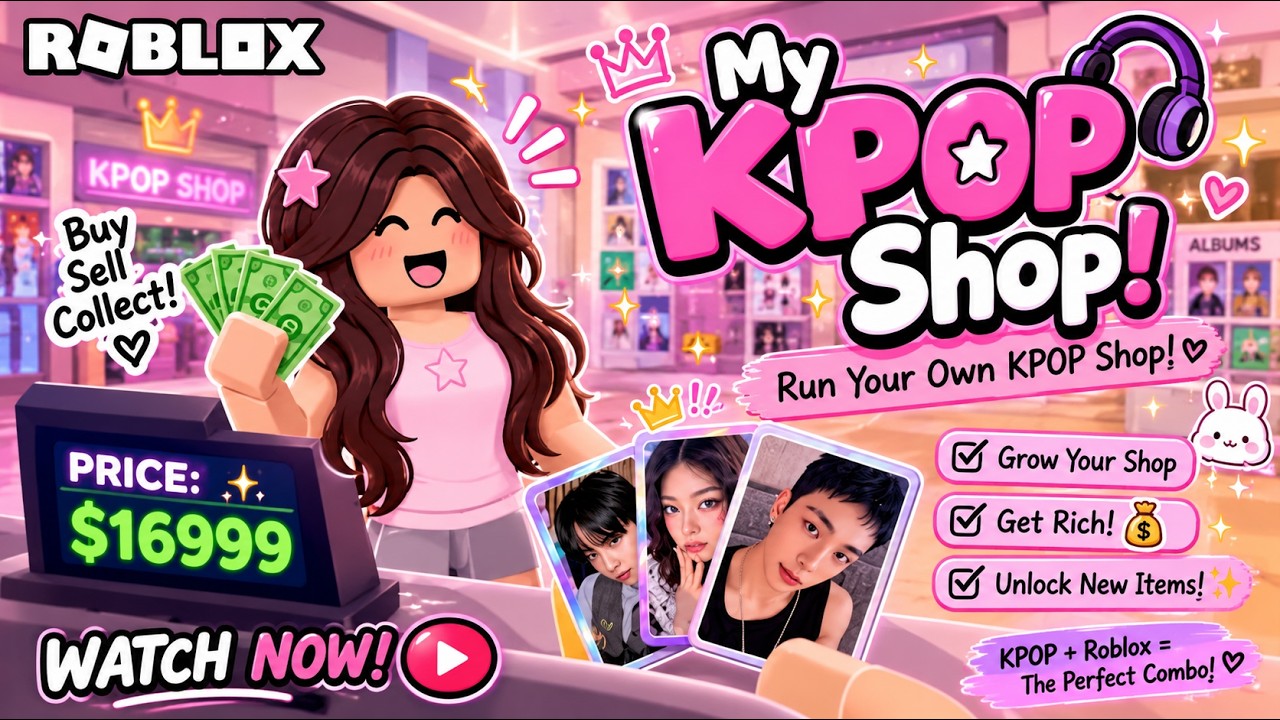


Gift ideas for My KPOP Shop fans
All gift picks →Small, affordable gifts picked for players of My KPOP Shop. As an Amazon Associate we earn from qualifying purchases — it never costs you extra.
Released the same week
 Fake a Player8.7K playing · Party
 Rooster Rivals7.5K playing · Simulation
 Fix PCs!1.1K playing · Simulation
 Tesla Roadster Chase3.7K playing · Simulation
Similar Roblox games
 Steal An Egg989.6K playing · Simulation
 Throw Food For Animals415.8K playing · Simulation
 Hyper Realistic Ragdoll65.1K playing · Simulation
 Pet Simulator 9953.6K playing · Simulation
More lists: new Roblox games · rising games
Get new games and codes by email
New Roblox games and working codes, only when there's something new. No spam, unsubscribe anytime.
Under 13? Ask a parent to use their email. Privacy