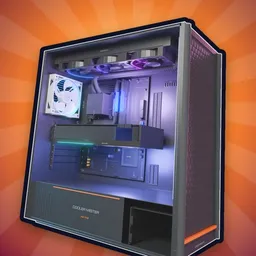
How to repair PCs at a glance
| Bench tools | Parts, Install, Remove, Wiring, Test, Power |
| Ticket | Shows complaint, checklist and labour so far |
| Test | Power runs a benchmark; footage showed Stresscore result |
| Start | Footage showed $2,500 starting cash and shop sign OPEN |
| Players | Up to 6 per server, per Roblox page |
Read the ticket first
The repair ticket tells you what the customer complains about and gives a checklist. In footage, the Next up hint box also pointed at the missing or faulty part.
Common early fixes are plugging in a missing cable, replacing a part, or installing a component the checklist marks as missing.
Use the bench tools in order
Use Parts to grab components, Install/Remove to swap them, and Wiring for cables. When the checklist is satisfied, press Power to test. A successful test in footage showed a Stresscore result and a toast message.
Before handing it back, reinstall side panels and take the PC off the bench. The customer then pays at the window; footage showed $230 plus an $18 tip for one job.
Repair tips
- Follow the Next up hint if you are stuck.
- Don't forget side panels before returning the PC.
- Use Power only after wiring and install steps look complete.
FAQ
How do you fix a PC in Fix PCs Roblox?
Read the ticket, fix the faulty/missing part with bench tools, Power test it, then return it to the customer.
What does Power do in Fix PCs?
It tests the PC and shows a benchmark/Stresscore result in footage.
Can I play Fix PCs with friends?
Yes, servers allow up to 6 players per the Roblox page.
More Fix PCs! pages
Sources
Checked Nov 27, 2026. Community wikis are edited by players, so numbers marked “per” one wiki may change after an update.